Connect Grassrootz to MoveData
Connecting to the Grassrootz API requires your Client Key and Secret. These are issued by Grassrootz and are not available through their Admin panel. To obtain these please email support@grassrootz.com.
Once you have received your Client Key and Secret, open MoveData from the App Launcher and click Integrations → New Integration and select Grassrootz.
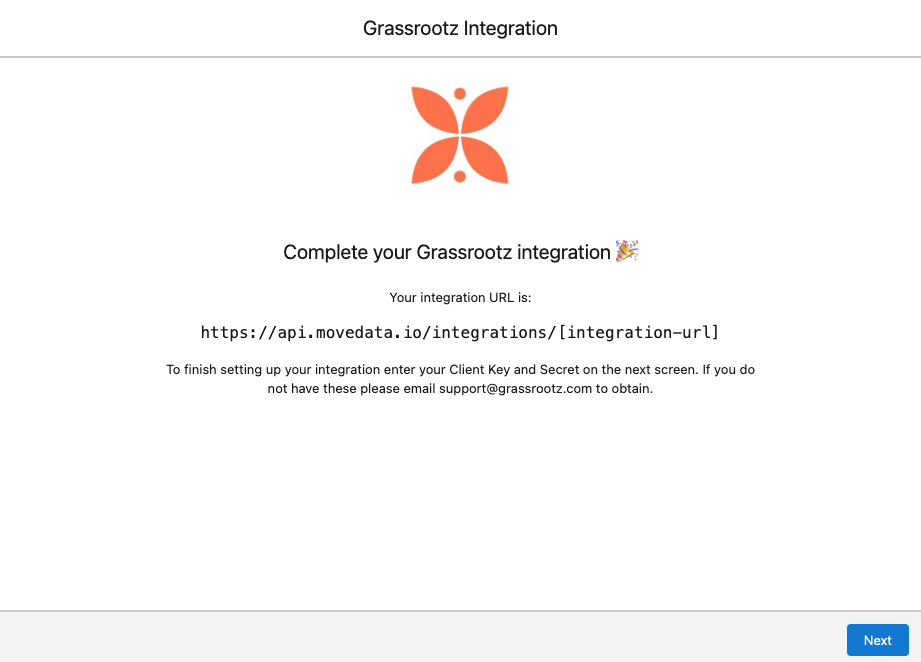
Follow the prompts and MoveData will generate an integration URL:
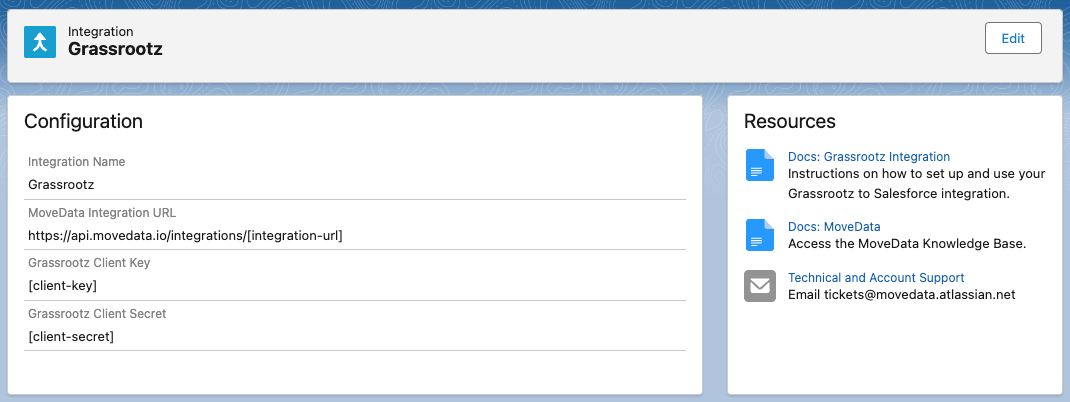
Enter your Client Key and Secret:
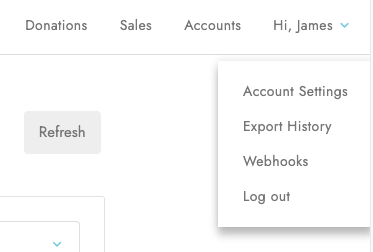
Open your Grassrootz Admin panel and click Webhooks under Hi, [Name] from the top right hand side:
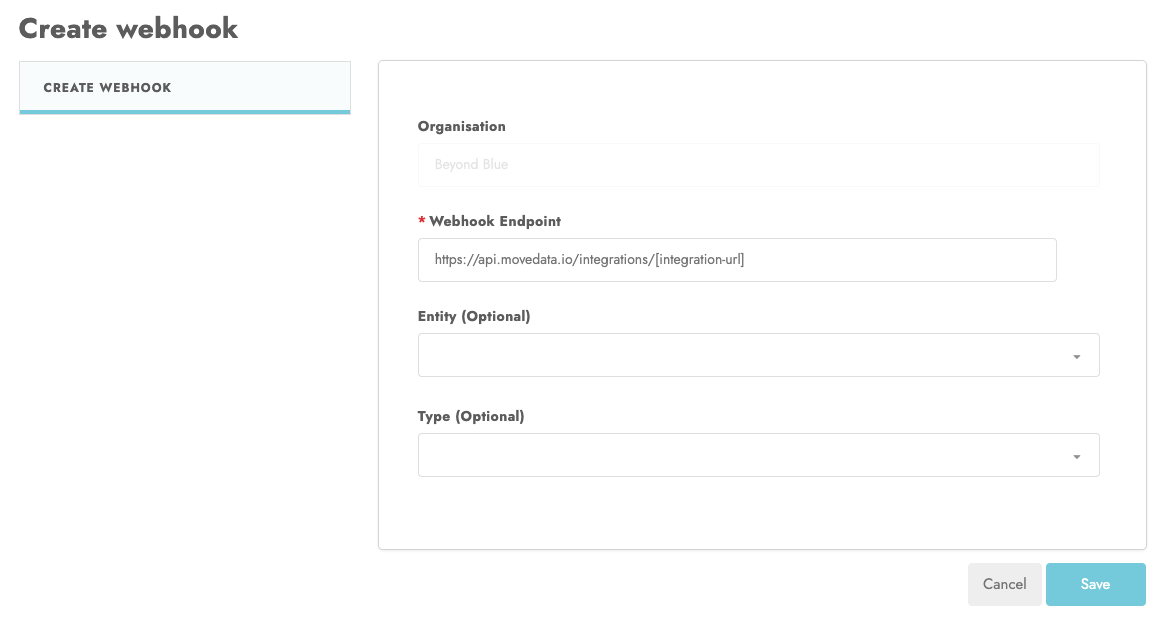
Select Create Webhook and enter the integration URL from your MoveData account and click Save:
Grassrootz is now connected.